
WhatsApp Web, as a real desktop app
A feature-rich, MIT-licensed desktop client for WhatsApp Web — chat themes, a privacy blur, scheduled messages, multiple accounts, spell-check, an app lock and more.



A feature-rich, MIT-licensed desktop client for WhatsApp Web — chat themes, a privacy blur, scheduled messages, multiple accounts, spell-check, an app lock and more.
WhatsApp Web out of the browser tab and into a proper desktop app.
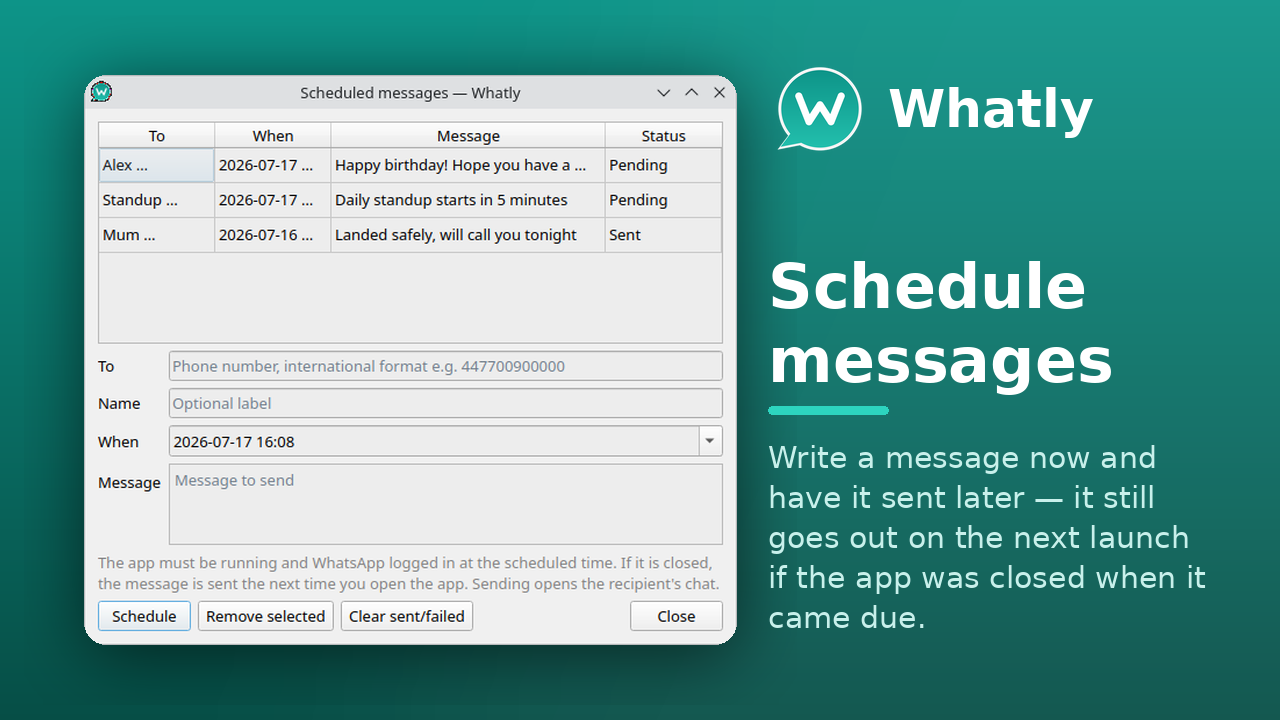
Write a message and have it sent later — it still goes out on the next launch if the app was closed when it came due.
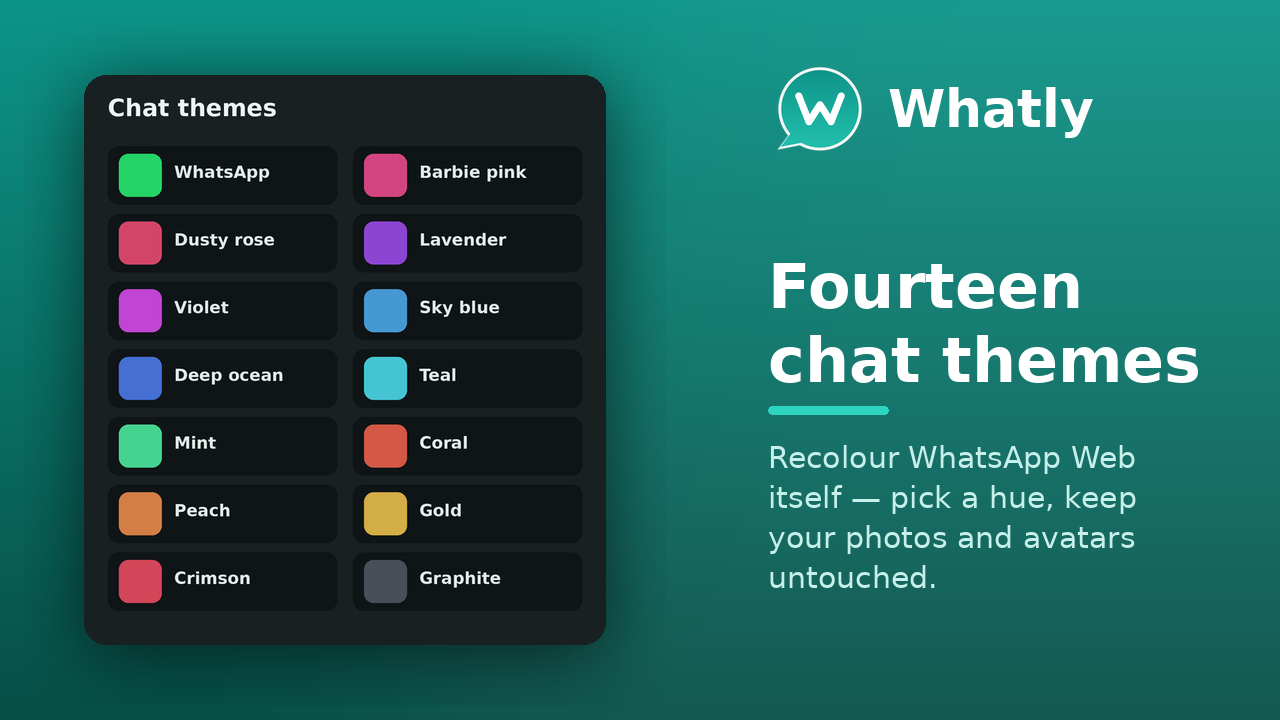
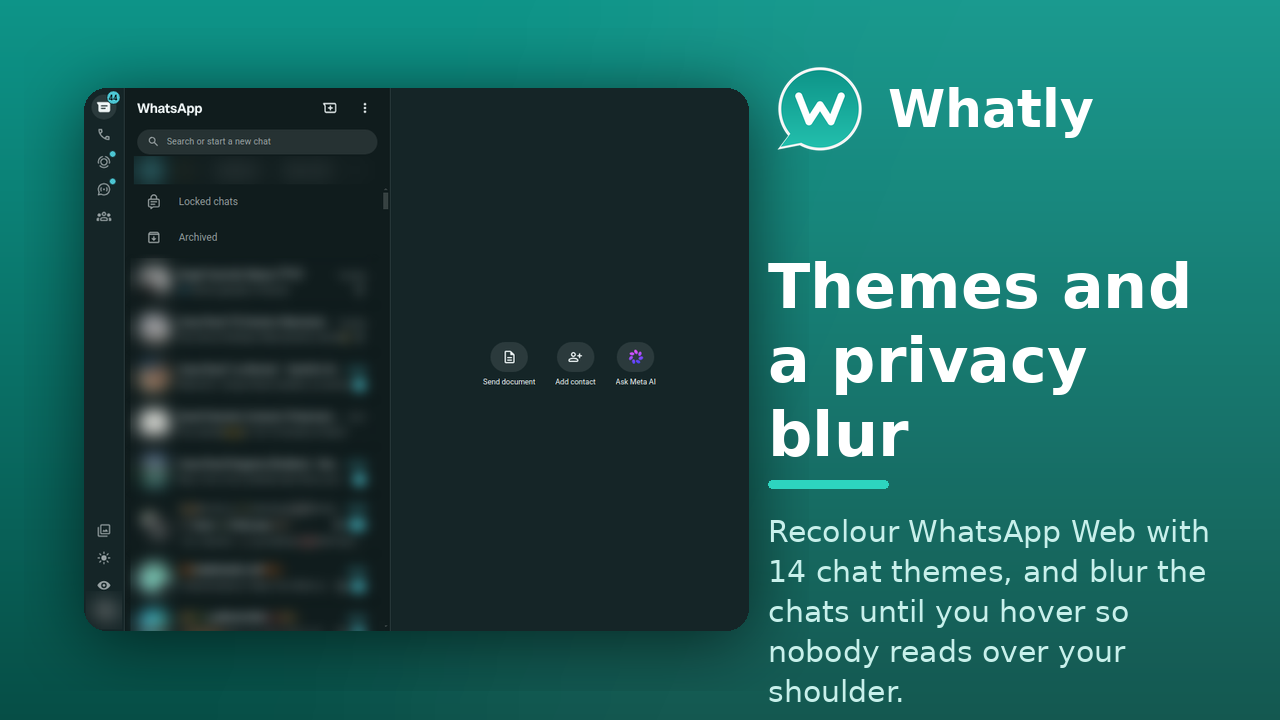
14 chat themes, a chat wallpaper, custom CSS & JavaScript addons, and a privacy blur that hides your chats until you hover.
GPU, process-model, JS-heap and cache controls, a WebRTC IP-leak shield, and a SOCKS5/HTTP proxy — all from Settings.
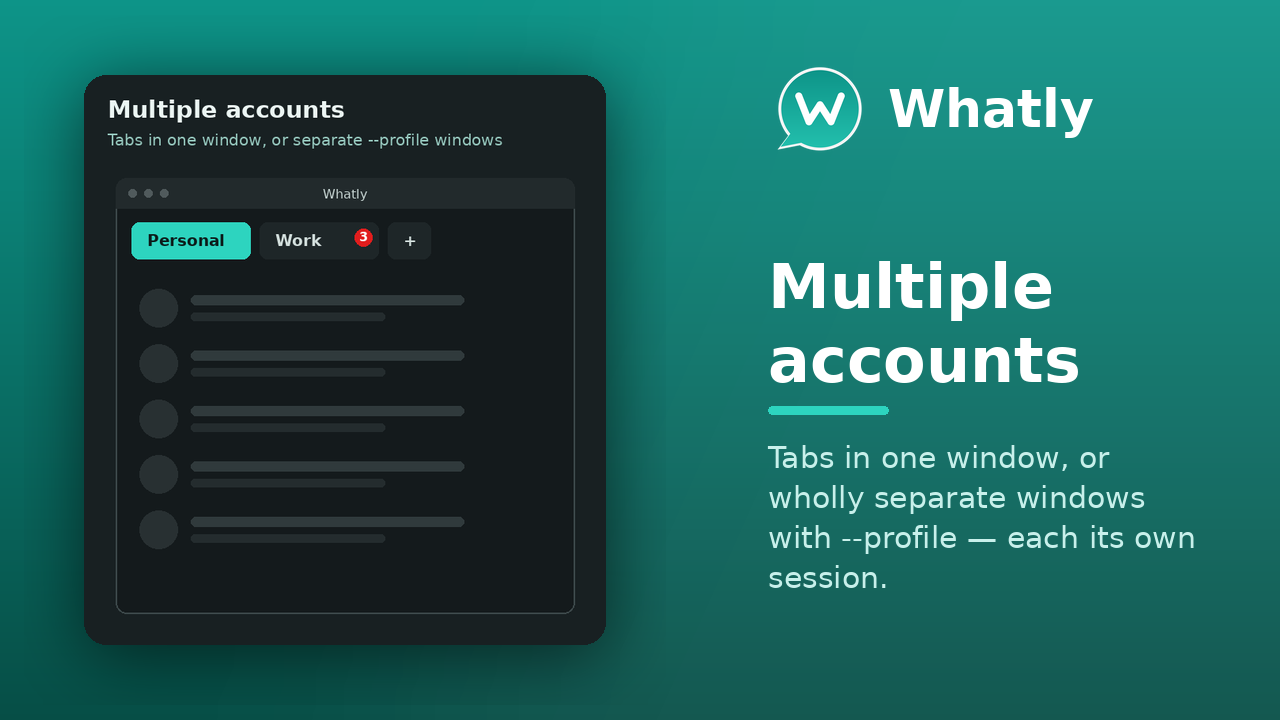
As tabs, all at once in a grid, or wholly separate windows with --profile — each its own session and settings.
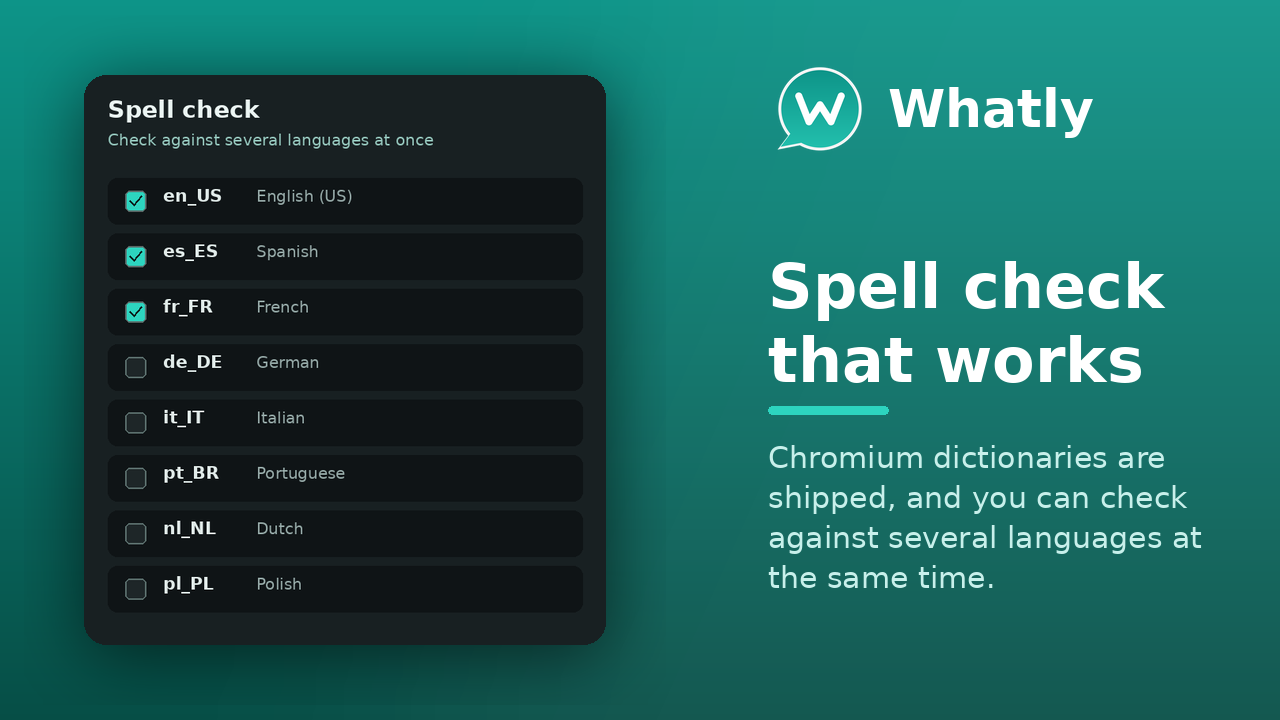
Render WhatsApp Web in any system font, and check spelling in 31 languages at once. Interface translated into 30 languages.
Optional inline translation (LibreTranslate) and an AI assistant — OpenAI-compatible or a local Ollama — that summarises chats, redrafts your message or suggests a reply. The text never touches WhatsApp Web.
The portable build updates itself in place and verifies the new image's GPG signature before restarting, with a manual Check for updates too.
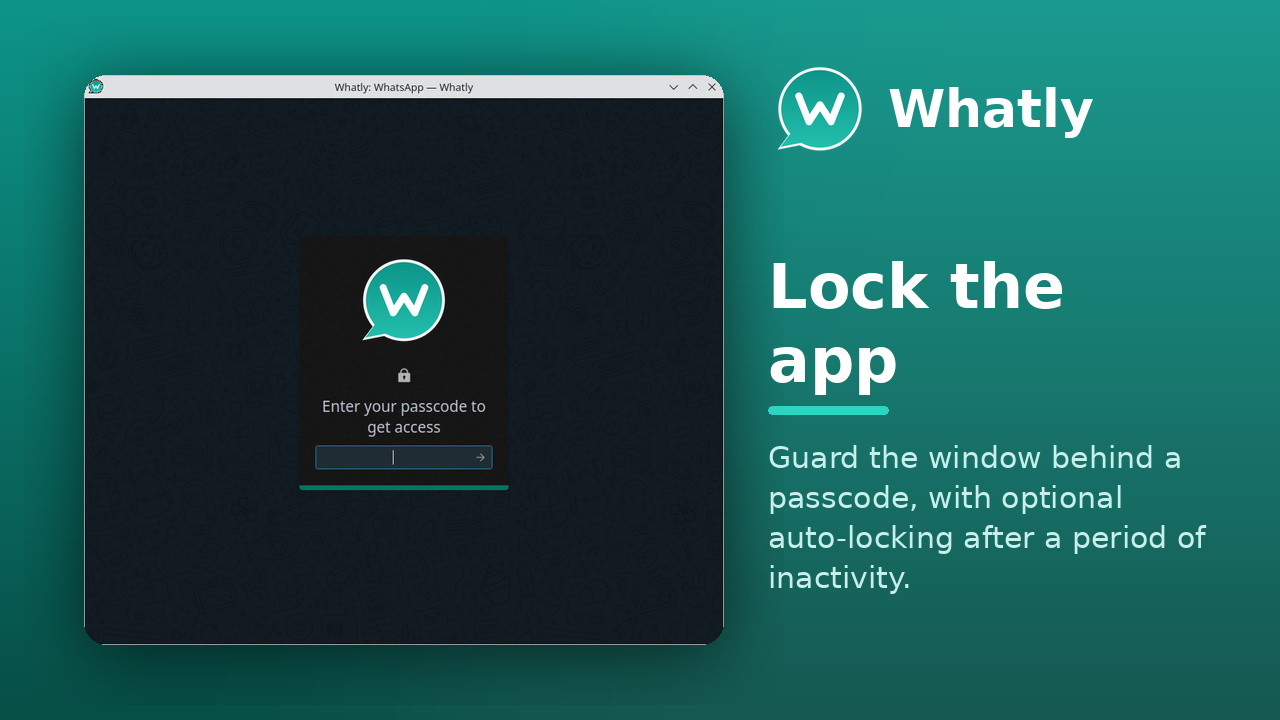
Guard the window behind a passcode, with optional auto-locking after a period of inactivity.
Native notifications, a smarter system tray (badge, monochrome, connection status), and a connection watchdog that reconnects itself.
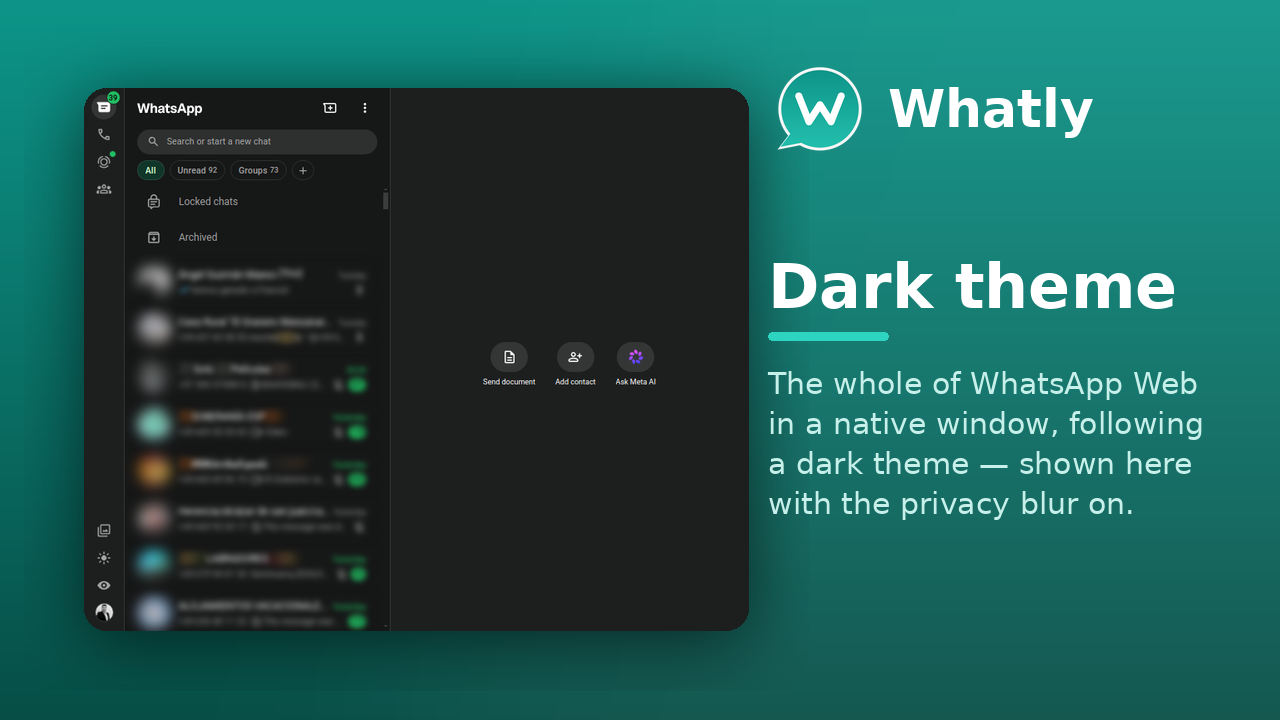
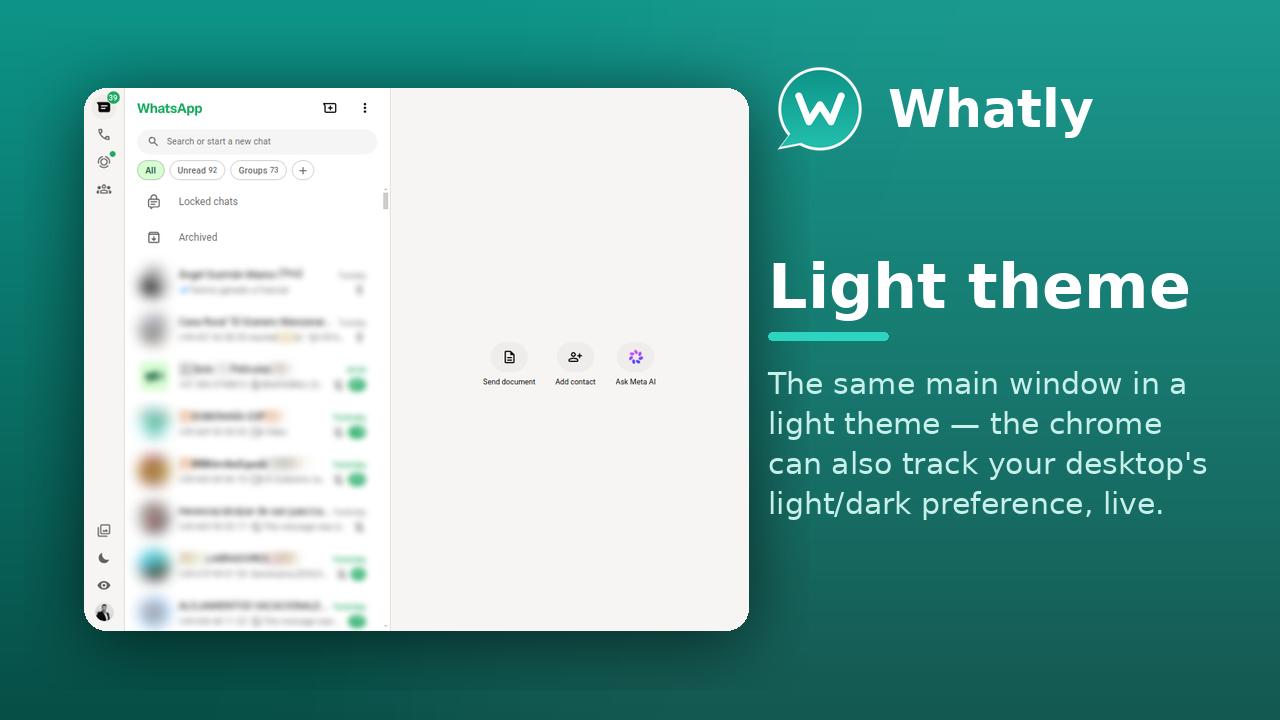
Light or dark — or track your system's light/dark preference, live.
One codebase — a native app on Linux and Windows 10+, plus an experimental macOS build.
The same WhatsApp Web, with the desktop conveniences a browser tab can't give you.
| Feature | Browser tab | WhatSie (upstream) | Whatly |
|---|---|---|---|
| Runs as its own desktop app | ✗ | ✓ | ✓ |
| System tray with unread badge | ✗ | ✓ | ✓ |
| Chat themes, wallpaper & custom CSS | ✗ | ✓ | ✓ |
| Privacy blur | ✗ | ✓ | ✓ |
| App lock / passcode | ✗ | ✓ | ✓ |
| Multiple accounts, separate sessions | ~ | ~ | ✓ |
| Spell check in many languages at once | ~ | ✗ | ✓ |
| Scheduled messages | ✗ | ✗ | ✓ |
| Font-family picker | ✗ | ✗ | ✓ |
| Follows system light/dark, live | ✓ | ~ | ✓ |
| Linux packages (snap · Flatpak · AppImage · deb · rpm · AUR) | — | ~ | ✓ |
| Windows build | — | ✗ | ✓ |
| macOS build (experimental) | — | ✗ | ~ |
| Open source (MIT) | — | ✓ | ✓ |
| Actively maintained | — | ~ | ✓ |
✓ full · ~ partial or needs a workaround · ✗ not available · — not applicable
On any distribution with snapd:
snap install whatly
Available everywhere:
Modest — it's WhatsApp Web in a native shell.
One codebase, a proper desktop app. Click any shot to enlarge.
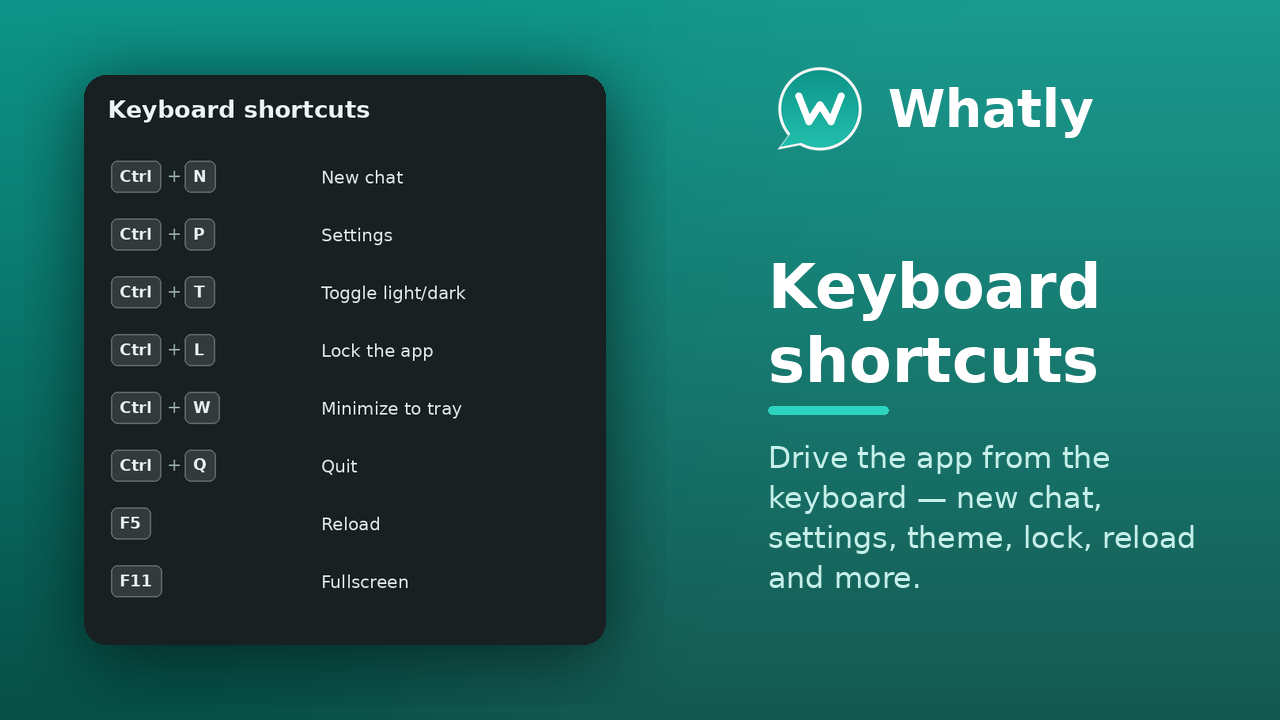
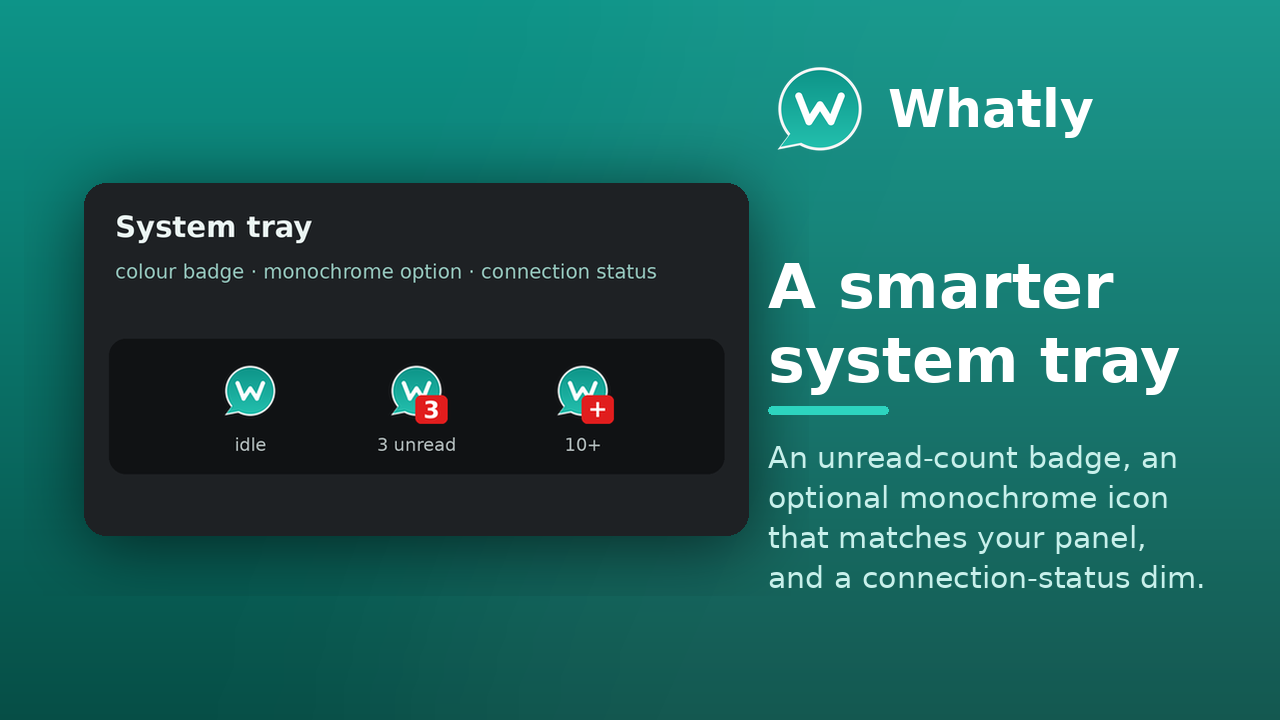
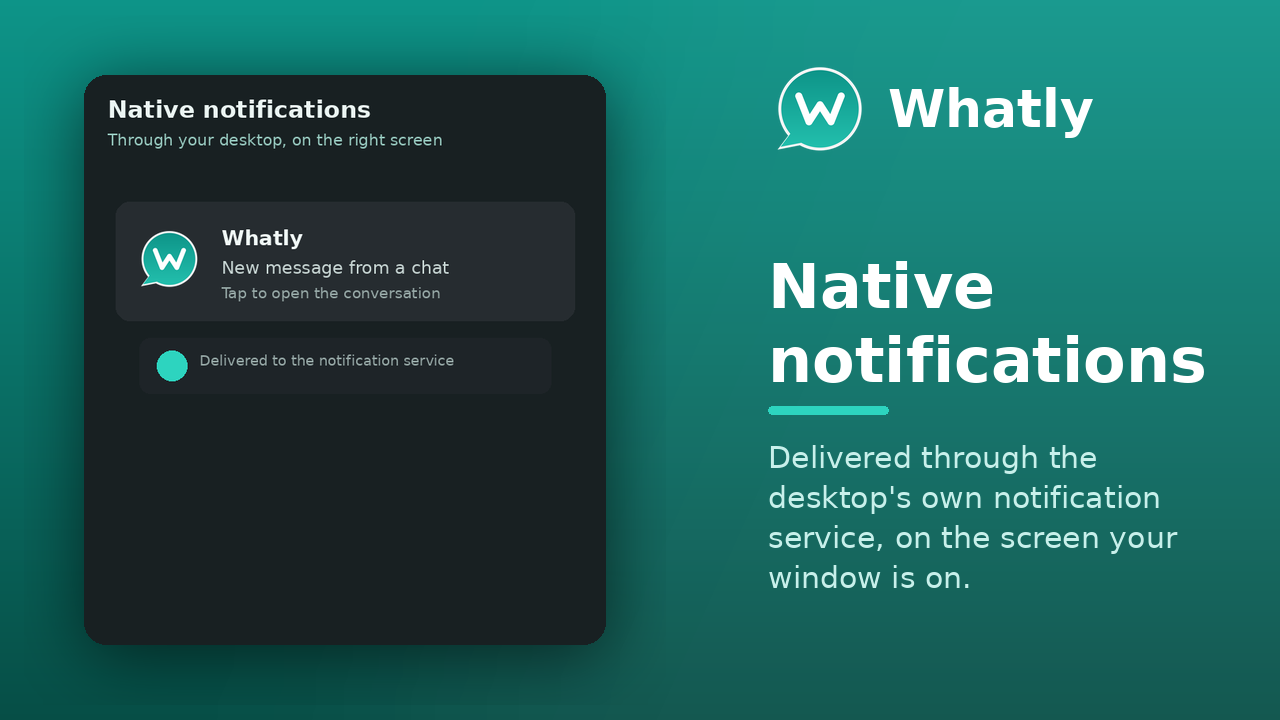
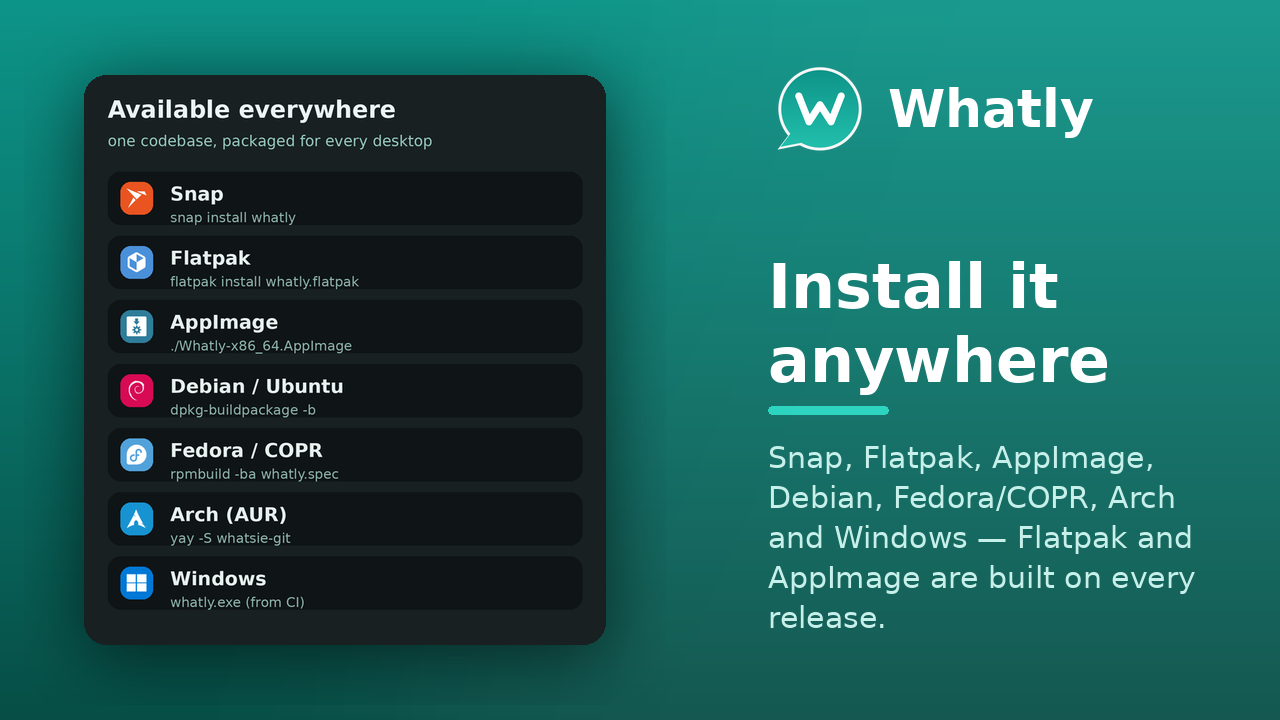
Whatly is developed in the open — issues, milestones and the project board are all public.
Planned and in-progress work lives on the Whatly project board.
Report bugs or request features on the issue tracker — or press F1 in the app.
Pull requests are welcome. New interface strings ship translated into 30 languages. See the repository.
The questions people ask before installing.
.deb, Fedora/COPR, and the Arch AUR) and Windows 10 or newer. There is also an experimental, unsigned macOS .dmg attached to each release (community-testing preview). The source builds with CMake + Qt 6.whatly --profile=<name> — each has its own session, settings and Chromium storage, and the tray badge sums the unread count across them all.F1 in the app and use Report a Bug — it pre-fills a GitHub issue with your version, commit and recent log. Or open one directly on the issue tracker.